
- Catalog image. sRGB JPG on a white background, square 1:1, typically between 2000 and 3000 px per side.
- Views per SKU. Usually three to six per product: front, three-quarter, profile, back and detail, depending on the category.
- Cutouts. PNG with a transparent background for banners, marketplaces or graphic compositions.
- High resolution. Maximum-quality TIFF or JPG for printed catalogs and point-of-sale material.
- Social formats. 4:5 and 9:16 versions of the lifestyle photos, with space for text when needed.
- File naming. Files named by SKU code, view and color, organized in folders by use.
Product photography · Bogotá
Product photography in Bogotá, Colombia, for your store and your campaigns.
Photos for ecommerce, catalogs and campaigns. Tell us how many products you have and where you will use the images; we define the style, shoot, retouching and deliverables.
Request a quoteI prefer WhatsApp ↗
Based in Bogotá · Scope and deliverables in writing
The service at a glance
What can you hire Sequoia Studio for?
Product photography from Bogotá: showing products consistently for ecommerce, catalogs or campaigns.
- What it can include
- Selected, processed and retouched photographs; quantity, backgrounds and formats as agreed.
- What we need to know
- A list of SKUs, sizes, materials, views per product, final use and date.
- Price and date
- Confirmed per project, after reviewing the scope. There is no one-size-fits-all package and no guaranteed availability.
Compare with other services · Meet the studio and how we work · See our own sample and its context
Photo archive
The image, in detail.
Photography by Sequoia Studio · Selected by Ronald Infante.
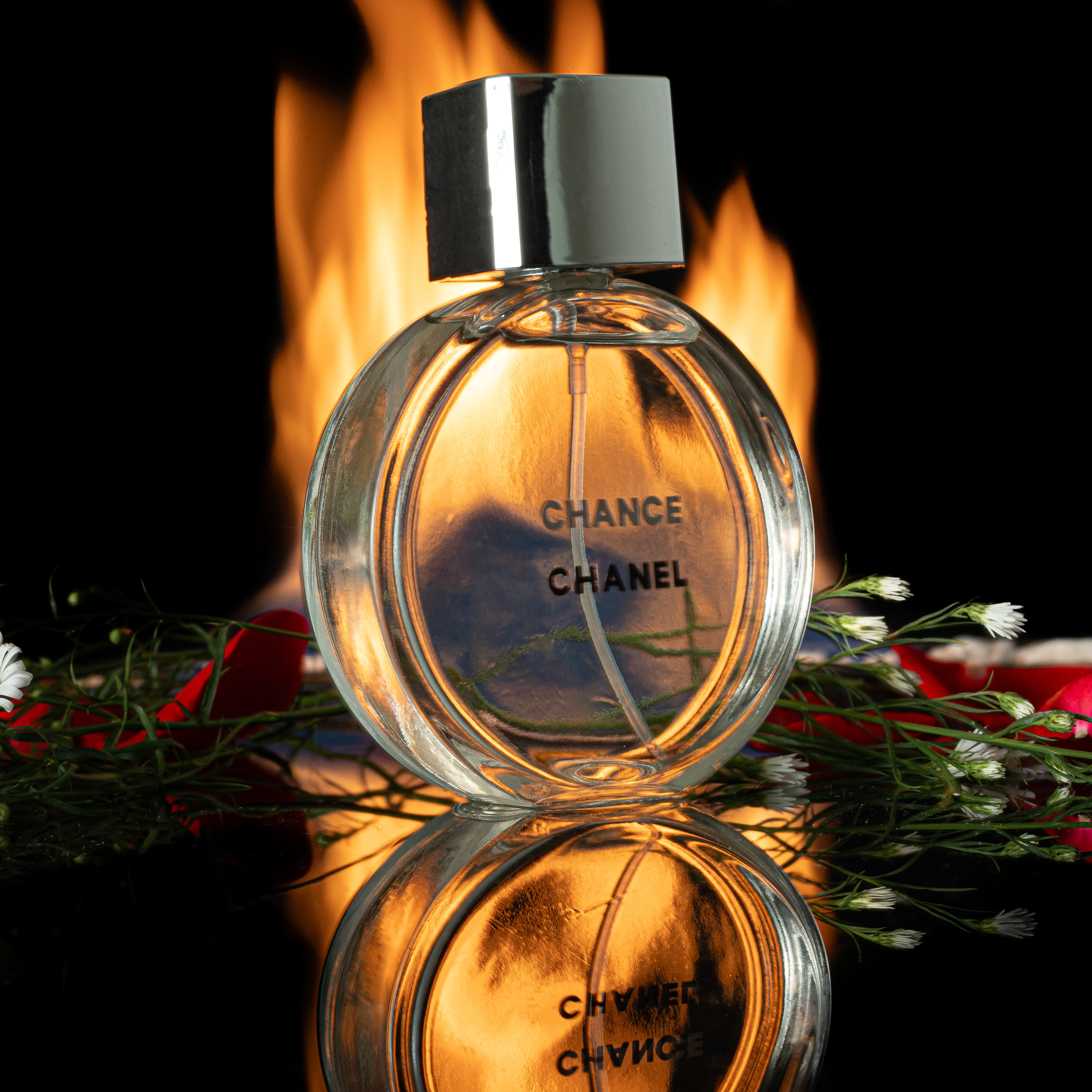
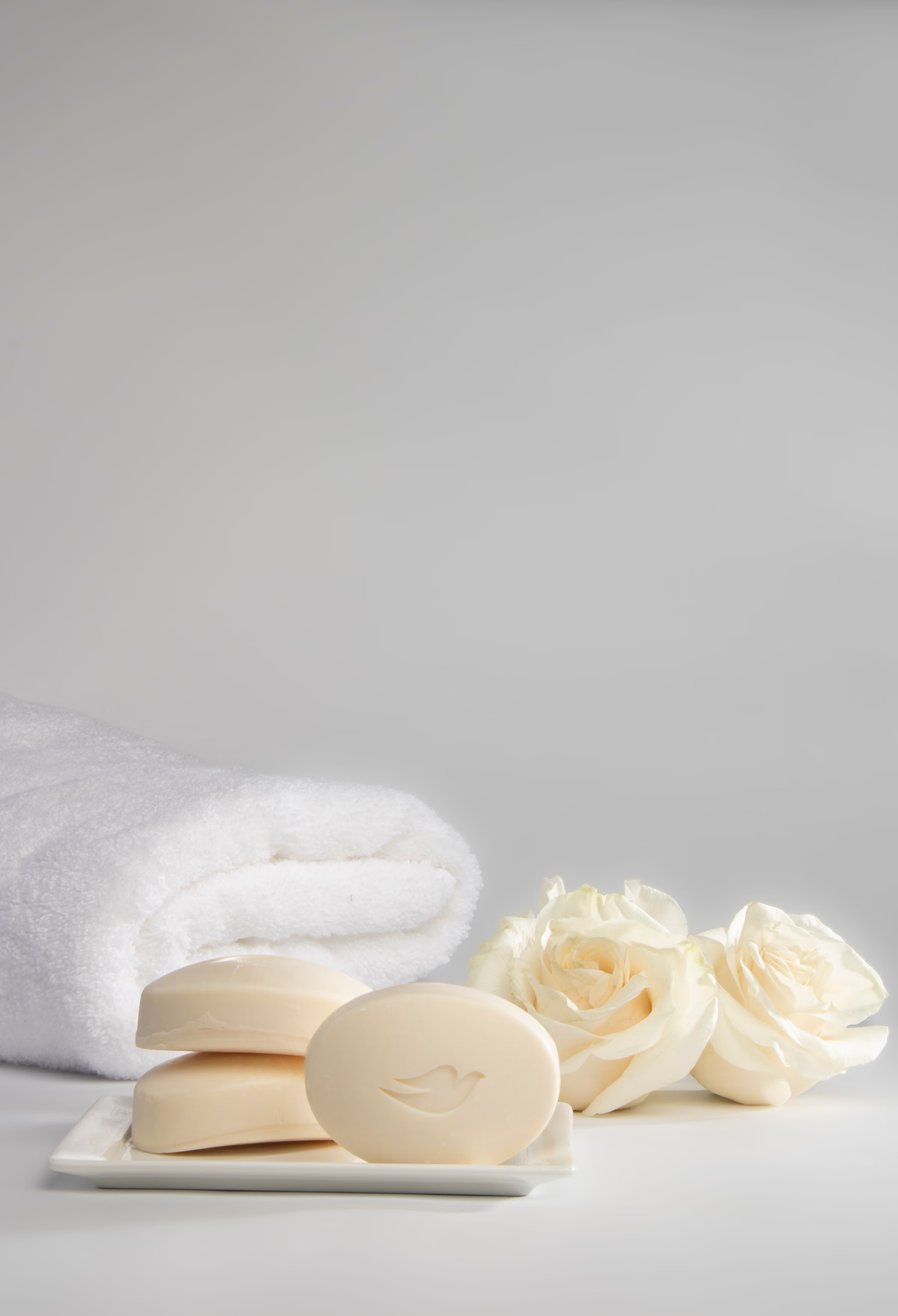
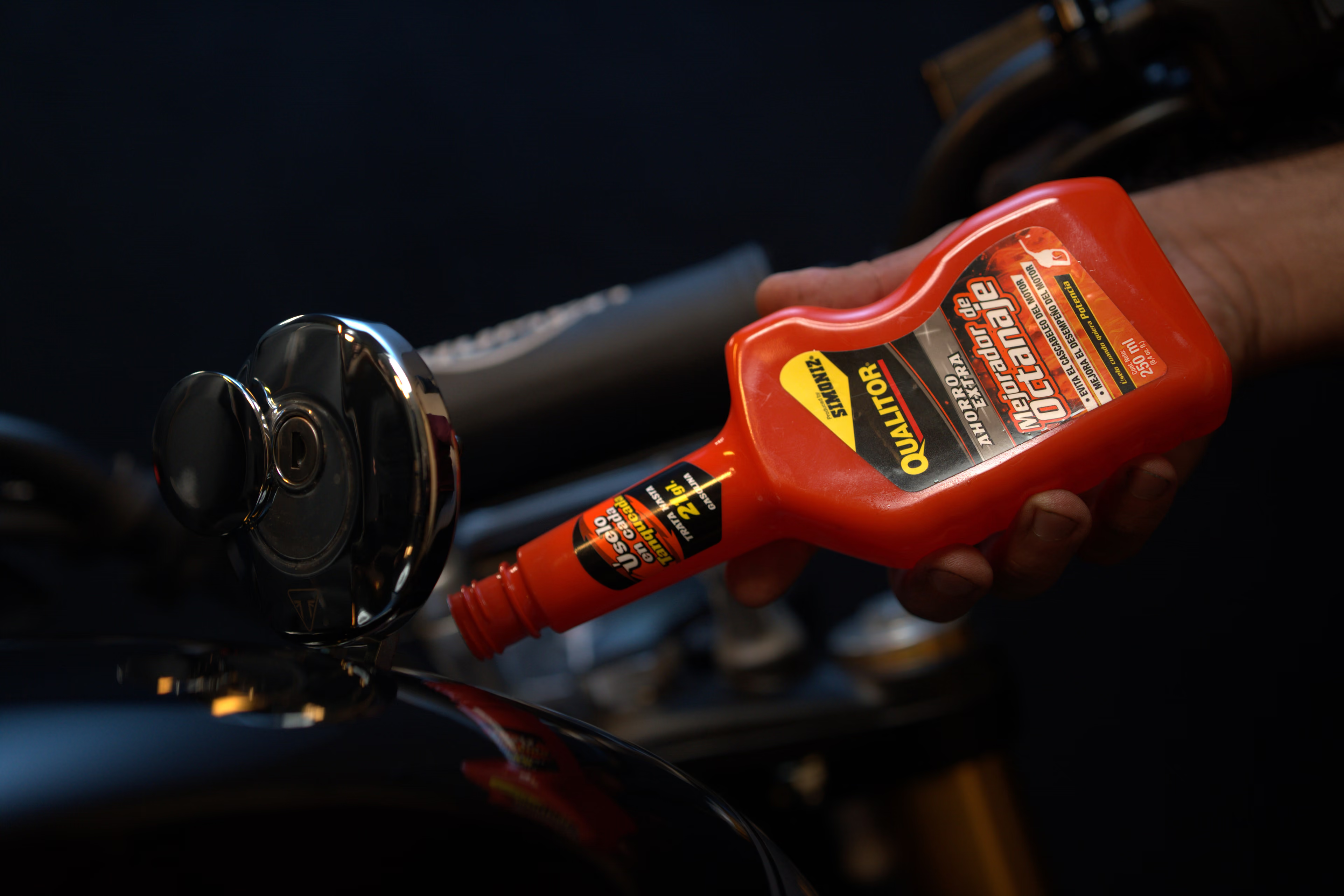
A selection of product, fashion, editorial and people photography. Open each image to see it in full at high resolution.
Product
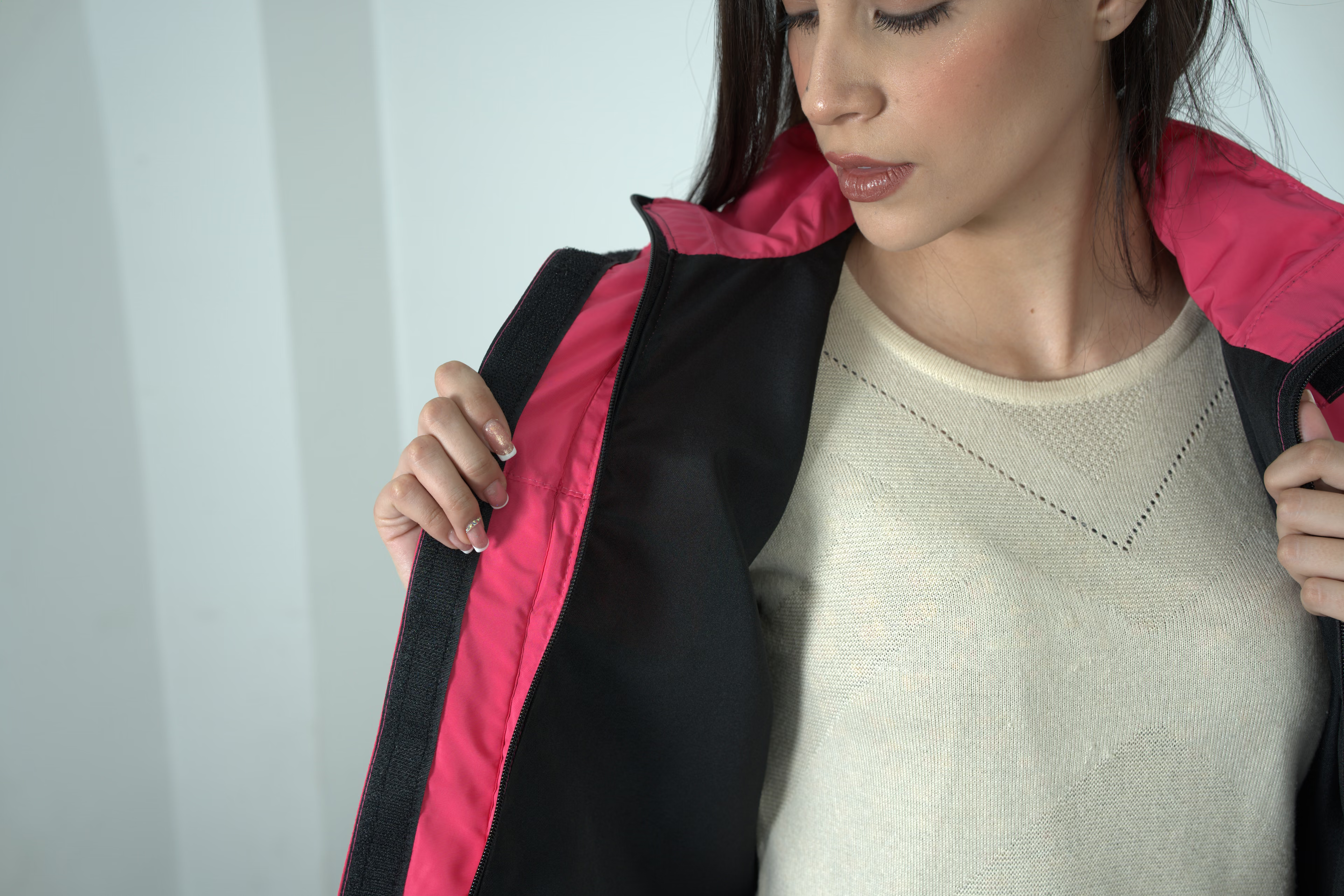
What it can include
Deliverables shaped by how they will be used.
It is a good fit for brands that need consistent, usable images, from a clear product page to an art-directed visual.
- Clean background for ecommerce
- Product compositions for campaigns
- Detail, texture and variants
- Processing, retouching and formats per channel
In practice
What is delivered and how long it usually takes.
A product shoot usually involves the photographer, a lighting and set assistant and, depending on scope, an art director, a stylist who prepares each piece and a model when hands or scale are needed.
- Inventory and style test: 3 to 7 days before the shoot
- Shoot: From half a shoot day to several shoot days, depending on SKUs and setups
- Selection: 1 to 3 business days, with a gallery for review
- Retouching and export: Usually 5 to 10 business days, depending on volume and level of retouching
These are typical ranges for a standard project; the actual schedule is confirmed in writing with the scope.
Evidence and investment
What you can verify before requesting a quote.
We publish the evidence that exists and state its limits. The budget is built on a comparable scope, not on a generic figure that changes later.
Product photography from the studio's own archive.
The photography portfolio includes our own product, campaign and portrait work, with responsive image files and credited authorship, and without passing off third-party references as the studio's work.
View product photographyA figure that matches the scope.
In product work, price is driven mainly by the number of SKUs and views per SKU, by how difficult the material is and by the type of image: a white-background catalog is faster to produce than lifestyle compositions with art direction, models or a location. Retouching level, transparent cutouts, styling and transporting the merchandise also count.
Share your project and budget rangeService guide
Decisions that improve the result before production.
This guide explains the scope, the variables and the criteria worth reviewing so you can hire with comparable information.
Read the full guide to preparing your project
What this service is and what problem it solves
Product photography creates consistent, accurate images that explain an object, make it easy to compare and make people want it. It can cover an ecommerce product page, a catalog, a campaign or an image library for social media. The result depends on how lighting, perspective, surface, color, art direction, retouching and channel specifications work together.
Several types of image usually live side by side: the white-background packshot that allows comparison, the detail that shows seams, textures or finishes, the lifestyle photo that suggests where the product is used, and the image with a model or hands that gives scale. Each one answers a different question from the buyer. That is why, before talking about style, it is worth asking what someone needs to know to decide on a purchase without touching the product.
When it makes sense to produce it
It is useful when a catalog mixes photos from different sources, when the product needs to show texture or scale, or when a launch calls for its own visual identity. Clean-background and lifestyle photography do different jobs: the first makes comparison easier; the second builds context, benefit and emotion around the object.
It is worth producing when you change sales platforms, launch a collection, join a marketplace with image requirements, or notice customers asking in chat about things a photo could answer: the real size, the exact color, what comes in the box. Also when different suppliers send you photos that don't match. If you only list two or three new products a month, a one-off shoot with a replicable set may be more practical than a large production.
How to turn the brief into a plan
The inventory should identify SKUs, variants, angles, details, groupings, backgrounds, final sizes and uses. We review the products before the shoot and agree on a style test when the collection needs consistency. Responsibilities for transport, cleaning, assembly, styling and the return of each unit are also defined.
A spreadsheet is the best brief: one row per SKU with code, name, color variants, required views, background and final use. Alongside it, two or three reference images you like and one you don't, with the reason why. If your store or marketplace has a template with dimensions and margins, share it. With that, we estimate how many lighting setups are needed and which products can be shot on the same set without moving it.
Pre-production, crew and execution
The shoot is organized by lighting and composition setups to maintain continuity. Reflective and transparent surfaces, textiles, food and small objects call for different techniques. We log the shot list and validate samples to catch problems with labels, dust, color, perspective or proportions before working through the whole inventory.
On a catalog shoot the set is locked: camera, lights and marks on the table so every product sits in the same position at the same apparent size. Each shot is checked on a large screen as it is taken, not on the camera's small one, to catch dust, crooked labels or loose threads before moving on to the next. Lifestyle photos are done in a separate block, with props and art direction, so the catalog set doesn't have to be taken apart.
Deliverables for each channel
Delivery can include JPG or PNG files for ecommerce, high-resolution files, transparent cutouts, aspect ratios for social media, campaign compositions and file names linked to the SKU. Background, color profile, dimensions, file size, margin, shadow and retouching must be agreed. A beautiful image that doesn't meet the store's template creates duplicate work.
The usual approach is to deliver each SKU with a fixed number of views in the same order: front, three-quarter, profile, back and detail, for example. That order keeps the store looking tidy and makes batch uploads easier. Files are named with the SKU code, view and color, and delivered in folders separated by use (store, social and print), each with its own dimensions and file size.
What changes the budget
The variables are the number of SKUs and angles, setup complexity, materials, backgrounds, art direction, styling, talent, location, transport, retouching, cutouts and formats. Volume alone doesn't set the rate: a hundred similar objects on a stable set are produced differently from ten unique compositions.
Some decisions change the quote a lot without being obvious at first glance. Cutting out objects with complex edges, such as hair, fuzz or openwork jewelry, takes longer than cutting out a box. Color variants can be photographed one by one or handled in retouching, and each route has different costs and risks. A product that has to be assembled, filled, ironed or held up with invisible supports also adds time per SKU.
A comparable quoteIt should state the creative scope, shoot days, crew, post-production, versions, revision rounds, rights, schedule and what is not included.
How we review quality
We check consistency of framing, apparent size, background, color, reflections, labels, edges and cleanliness. Retouching should remove distractions without changing attributes the buyer needs to recognize. For a collection, quality is also measured by the continuity as you scroll through all the thumbnails, not just by one hero image.
Before approving, it is worth viewing the photos the way the buyer will: in the store grid, on a phone and next to products from other collections. That is where you notice whether one product came out larger than the rest, whether a white looks gray or whether a shadow changes direction. We also compare the color in the photo with the physical product under neutral light, because a color mismatch ends in complaints or returns.
How to compare production companies and proposals
Ask to see complete series and confirm what is included: preparation, art direction, styling, assistance, selection, processing, retouching, cutouts and export. Share an identical list with each supplier and check how many final images each SKU gets. Clarify usage, date, transport, temporary storage and handling of delicate products.
A safe way to test a supplier before a large catalog is to commission a paid sample of three or four difficult SKUs, not the easiest ones. Also ask whether the price is per SKU, per image or per shoot day, what happens if extra products arrive on the day of the shoot, who is responsible for the merchandise while it is at the studio, and whether a photo rejected for a technical error is reshot at no cost.
Common mistakes to avoid
Common mistakes are receiving unidentified products, changing the style after shooting half the collection, confusing the number of shots with the number of files, not testing color in the final channel and asking for cutouts that weren't planned. An approved sample and a signed-off inventory reduce inconsistencies and reshoots.
Some stumbling blocks are very specific: pre-production samples that don't match the product that will be sold, price tags or stickers nobody removed, garments creased in transit and dented packaging that retouching has to hide. It is also common to shoot a collection and discover afterwards that a color variant was missing. Checking the inventory against the list the day before and bringing spare units of fragile products avoids having to rebuild the set.
What should be in writing before we start
Before the shoot, the inventory must be closed: which SKUs are photographed, in which variants and how many views each one gets. The approved reference images are attached and, if there is one, the style sample signed off by whoever makes the decision. The background for each type of image is also set (pure white, brand color or a styled surface), because changing it halfway through the collection means redoing what was already done.
The level of retouching is described with examples, not adjectives. “Clean” can mean removing dust or also rebuilding dented packaging, and the difference in time is large. We agree whether labels, seams and reflections are corrected, whether shadows are natural or created in retouching, and whether color variants are photographed or generated afterwards. Anything left out is named as an exclusion, to avoid misunderstandings at delivery.
Delivery is also specified in writing: pixel dimensions, format, color profile, maximum file size, margin around the product and the file-naming rule, for example code, view and color. We agree how the merchandise arrives and is returned, who receives it, in what condition and in what packaging. If any product is a prototype or an unannounced launch, confidentiality terms are set out as well.
Process
Clarity before, during and after.
Every stage ends with a specific decision or approval. That protects the schedule, the budget and the creative intent.
Inventory, SKUs and uses
We review each SKU and its variants, your brand's reference images and where each photo will be published.
Style test and shot list
We photograph one or two SKUs to approve lighting, background and framing, and build the list of views per product.
Shooting in blocks
We group products by size, material and type of background so we can shoot without striking the set and keep continuity.
Selection, retouching and export
We choose the best take of each view, retouch as agreed and export with your store's file naming and sizes.
Frequently asked questions
What to define from the brief.
How do you quote a product shoot?
By number of SKUs, angles, setup complexity, backgrounds, art direction, retouching, transport, usage and date. A precise list makes for a more accurate quote.
Do you shoot both white-background and lifestyle photography?
Yes. They are different needs, and they can work side by side if they are planned in blocks of lighting and art direction.
What does the brand need to provide?
Products in final condition, an itemized inventory, visual references, intended uses and the ecommerce site's size or background specifications.
How many photos does each product need for an online store?
As a guide, three to six: a clean front view, one or two additional angles, a detail of the material or finish and, if it helps, a photo that shows scale or the product in use. Clothing and footwear usually need more views than a bottle or a box. What matters is repeating the same order across the whole collection.
How do you make sure the color in the photo matches the product?
We photograph a color chart at the start of each lighting setup and compare the result with the physical product. Even so, every screen shows color a little differently, so the goal is a faithful representation on common screens, not an identical one on all of them. If your brand has official color references, share them before the shoot so we can match them.
Can you photograph products with a model?
Yes, when the product is easier to understand in use: clothing, accessories, cosmetics or tools. That involves casting, makeup, wardrobe and a signed release to use the model's image, with a defined duration and media. If you only need to show scale, sometimes a pair of hands is enough, which simplifies both production and rights. We decide this with the product list, not on the day of the shoot.
Can I ship the products from outside Bogotá?
Yes. We agree in advance who pays for shipping both ways, how the products are packed and who receives and checks the box when it arrives. When it is opened, the condition of each unit is recorded in photos to document any damage in transit. For fragile or high-value products, it is wise to insure the shipment and send a spare unit.
What is the difference between basic and advanced retouching?
Basic retouching fixes what is not part of the product: dust, fingerprints, lint, small reflections and color adjustments. Advanced retouching rebuilds parts, combines several shots to get the whole product in focus, creates shadows or changes backgrounds. The first can take minutes per photo; the second, considerably longer. That is why we define it per SKU, with an approved example, before we start.
Go deeper
Related guides.
Content written to help you prepare the project better and compare scopes with judgment.
Your next project
First we understand the intent. Then we choose the tools.
Tell us what you need to communicate, to whom, and when it has to be ready.
Write to Sequoia Studio